Sign in and upload desktop recordings
Browser sign-in and audio uploads connected the desktop recorder to transcription, with a clearer explanation of recordings kept on the device.
Read MarkdownDates describe development history and do not verify when changes became available.
Development period: to
Sign in using your browser
Added a desktop sign-in flow that opens the system browser and returns the result to the app.
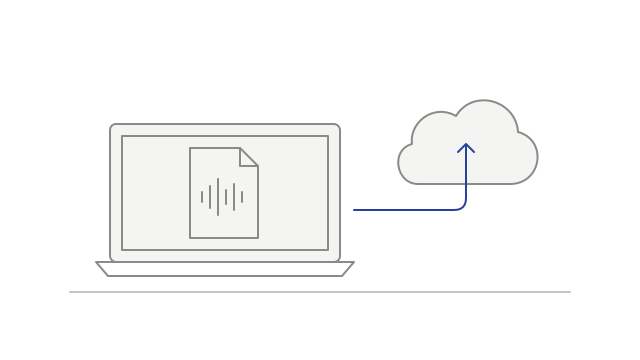
Send desktop audio for processing
Added an upload flow for separately encoded audio tracks, from preparing the upload to handing it over for processing.
The desktop capture flow sent system audio and a cleaned microphone track when available. This was an audio upload path, rather than a video upload feature.
Understand when a recording stays local
Added a signed-out message explaining that recording could continue locally and that sign-in was needed to upload for transcription.
Signing in did not automatically upload recordings made earlier while signed out.