Choose transcript language and keep recordings usable
Workspace language choices arrived alongside playback, upload and transcript fixes, remembered sidebar controls and clearer expired-camera messaging.
Read MarkdownDates describe development history and do not verify when changes became available.
Development period: to
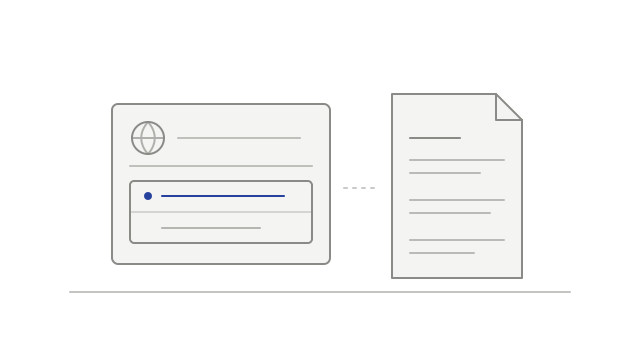
Choose the workspace transcript language
Added Auto (original language) and English choices for transcripts from new meetings.
Owners and admins could change the setting, and members could view it. The choice applied to written transcripts after the meeting.
Recover from an expired playback link
Added recovery for supported recordings whose playback link expired while the page stayed open.
Media removed under the retention policy remained unavailable.
Continue an upload after its link expires
Improved upload recovery when a recording-upload link expired.
A transfer could still fail after its link expired.
Improve multi-track playback loading
Updated multi-track playback so it could begin before every track in a recording had loaded.
Keep more transcribed speech
Preserved speech that could previously be omitted from the transcript.
When a speaker could not be identified, the text could remain with an unnamed label. Some speech could still be missing.
Show cameras for participants who did not speak
Improved supported Google Meet recordings so a participant’s camera could appear in playback even when they had not spoken.
Availability depended on the video captured in the recording.
Explain when camera video has expired
Added a distinct camera-retention message explaining that camera video had expired while audio remained available.