Manage desktop recordings with clearer context
Desktop recording status and local-file controls became clearer, while screen-share assembly and partly translated transcripts received fixes.
Read MarkdownDates describe development history and do not verify when changes became available.
Development period: to
Understand local-only and automatic uploads
Updated the desktop recording screen with clearer status, expandable details and explanations of local-only and automatic upload behavior.
Recordings started with Local only on did not upload just because you signed in. With it off, pending recordings could upload after sign-in.
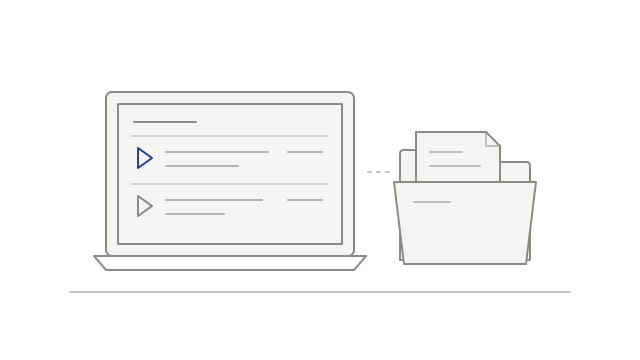
Manage local recordings beside the meeting library
Added local-recording controls for playback, naming and upload-state information alongside the meeting library.
These controls managed the local recording copy, rather than deleting cloud meeting content.
Keep usable text when some passages do not translate
Translated passages remained readable when other passages were unavailable in the chosen language.
Those passages could appear in their original wording, so the transcript could contain more than one language.