Follow the conversation beyond the recording
Captured chat gained its own tab, downloads kept the meeting page open, and team cards gained clearer member details.
Read MarkdownDates describe development history and do not verify when changes became available.
Development period: to
Read the chat beside the recording
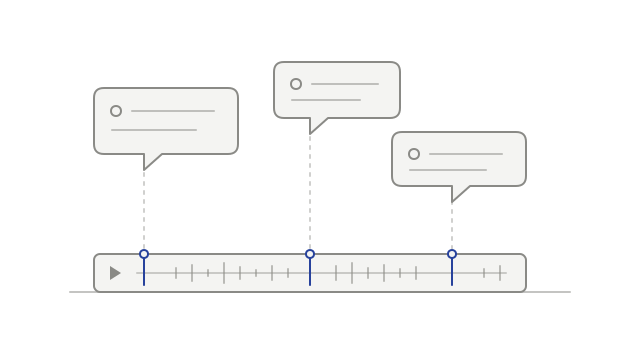
The new Chat tab brings captured meeting messages alongside the recording, so you can revisit what was written as well as what was said.
Messages are grouped by sender in conversation bubbles, with names and profile pictures when available. Notetaker notes appear separately, and dividers distinguish messages from before recording and the point recording started.
Select a linked message time to jump to that moment in the current recording. Other messages show their time without a link. Captured chat is read-only.
Keep the meeting open when downloading
Recording downloads were changed to leave the meeting page open, so starting a download does not take you away from your review.
The confirmation says “Download starting” and points you to your browser’s downloads. Check there for progress or completion; the message confirms the handoff to the browser, rather than claiming the file has finished downloading.
See useful details about a teammate
Owners and admins gained calendar connection status, last activity and inviter details in the selected team member’s card.
The calendar row distinguishes connected, paused, needs reconnect and not connected. Inviter details include the invitation date when available. These details belong to the person selected in Team settings, helping you review their setup without leaving the card.