Choose how to watch a meeting recording
Flexible recording layouts arrived alongside connected-account controls and clearer workspace Intelligence access messages.
Read MarkdownDates describe development history and do not verify when changes became available.
Development period: to
Understand workspace Intelligence access
Added loading, error and unavailable states while checking access to workspace Intelligence and its settings.
The messages distinguished an access-check failure from a missing add-on or an admin-only feature. This covered the workspace views, rather than the intelligence card inside an individual meeting.
Manage linked accounts and calendar sync together
Added an Integrations settings page with linked accounts and their calendar connections in separate sections.
Disconnecting calendar sync paused that connection; unlinking the account was a separate action.
Choose a recording layout
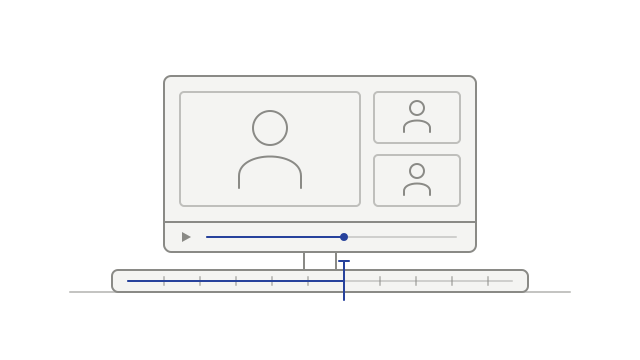
Added Grid, Speaker, Spotlight and Screen share layouts for recordings made from separately captured streams.
The player arranged the available streams during playback, giving you different ways to view the same recording.
Review connected desktop apps
Added an account-settings list of desktop apps authorized to upload recordings, with a revoke control.
The list showed when each app connected and last refreshed its authorization. That refresh time was not a live online indicator.
Continue transcription after an audio problem
Transcription could continue for some recordings when one of their audio tracks could not be processed.
The recording still needed usable audio, and recovery could fail.