Meetso

Changelog

What’s new in Meetso.

Dates describe development history and do not verify when changes became available.

Development history

Find relevant transcript passages

Transcript search gained relevance ranking, while Zoom prompt handling and transcript timing received focused fixes.
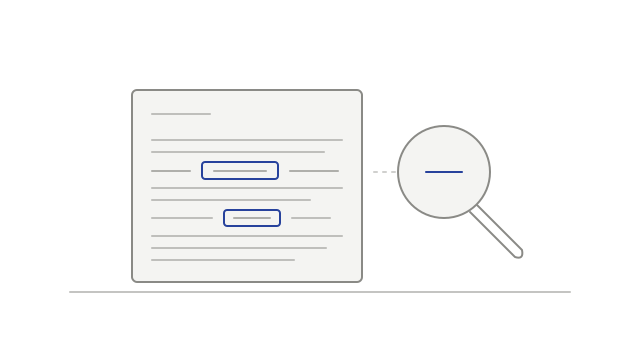
Matching passages highlighted in a transcript beside a magnifying glass
  • improvedRank matching transcript passagessearch
  • fixedClear Zoom prompts while staying mutednotetaker
  • fixedAlign Zoom transcripts with the recordingplayback
Development history

Keep Teams chat with the meeting record

Captured Teams chat joined the meeting record, Meet and Teams gained optional recording notices, and the player gained in-place link renewal.

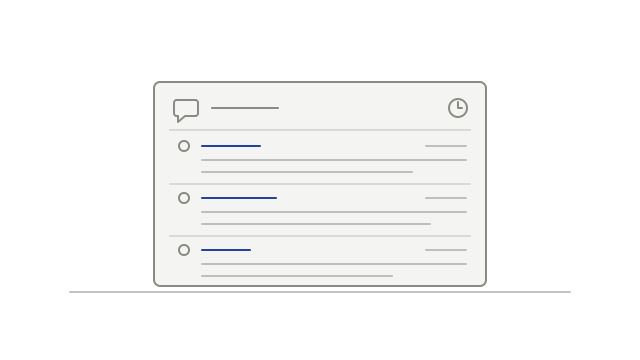
Captured chat messages listed with sender and time details
  • addedRead captured Teams chat after the meetingmeeting-chat
  • addedPost a recording notice in Google Meet chatnotetaker
  • addedPost the recording notice in Teams chatnotetaker
  • improvedRenew expired playback links in placeplayback
Development history

Show who is presenting in a recording

Screen-share tiles gained presenter labels, and Meet participant tiles used recorded presence information more consistently.

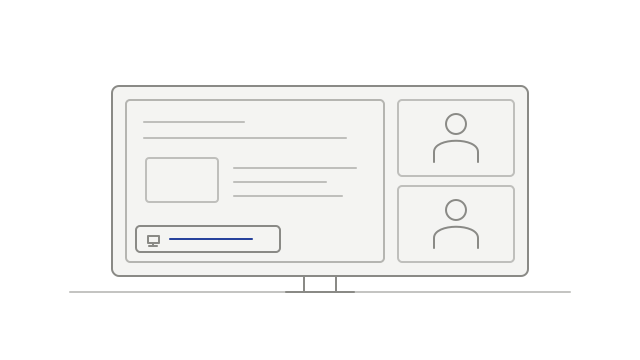
A presenter label on a shared screen beside two participant tiles
  • improvedName the presenter on a screen shareplayback
  • improvedUse recorded presence to guide participant tilesplayback
Development history

Keep short replies and player controls in view

Transcript cleanup preserved more attributed short replies, room-exit handling waited for a real attendee, and hovered player controls stayed visible.

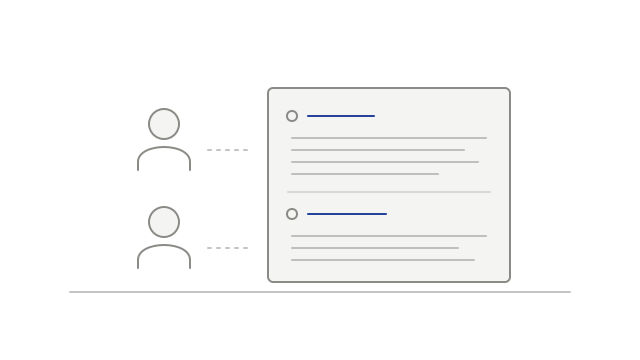
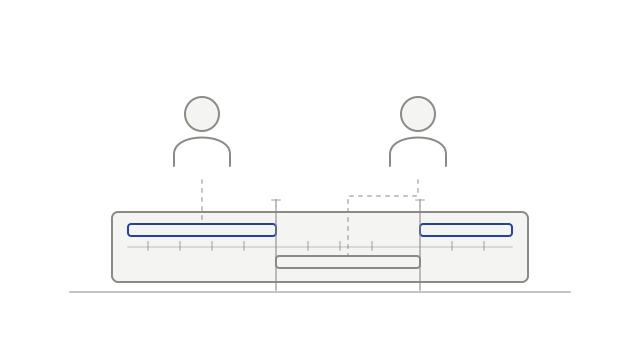
Two participants linked to speaker labels in a transcript
  • fixedKeep short replies from attributed speakerstranscription
  • fixedWait for a real attendee before treating the room as departednotetaker
  • improvedKeep controls visible while using themplayback
Development history

Bring earlier meetings and spoken evidence into view

Joining a workspace could connect you to earlier calendar invitations, while speaking-time totals and person profiles gained more transcript evidence.

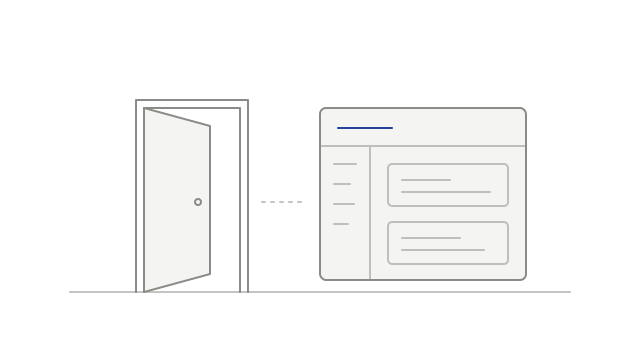
An open doorway beside a workspace overview
  • fixedFind earlier meetings after joining a workspacemeetings
  • fixedSave attributed speaking timespeaker-identification
  • improvedUse a person’s spoken passages in their profilemeeting-intelligence
Development history

See participant controls and connector permissions

Recording tiles gained names and pin controls, seeks gained a loading indicator, and connectors gained a readable permission screen.

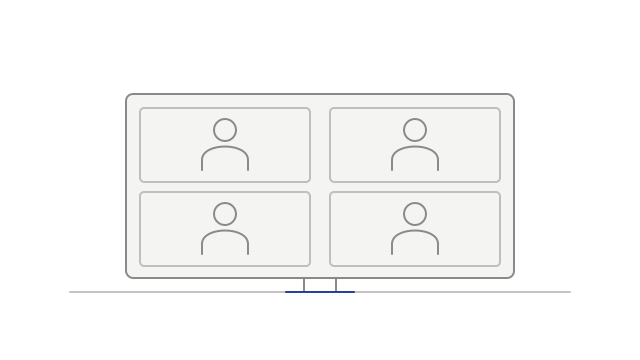
Participant tiles fitted closely within a recording frame
  • fixedReduce repeated macOS keychain requestsdesktop
  • improvedFilter recognized notetaker streams from Meet uploadsrecordings
  • improvedSee when a seek is still loadingplayback
  • addedUse participant controls on recording tilesplayback
  • addedReview a connector’s requested permissionsintegrations
Development history

Choose when to install a desktop update

Desktop update controls made installation explicit, while quitting gained a best-effort step to finish an active local recording.

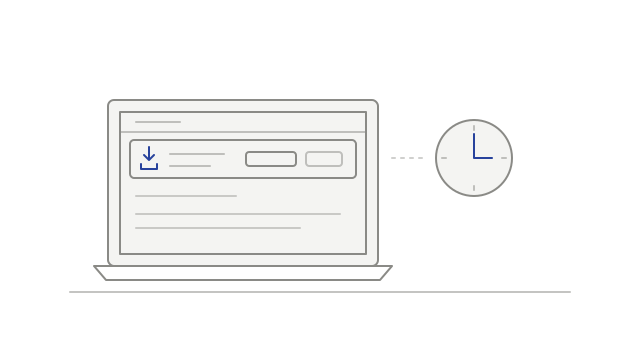
A desktop update notice beside a clock
  • addedInstall an available update when readydesktop
  • improvedTry to finish an active recording before quittingdesktop
Development history

Manage calendars and respond to detected meetings

Connected calendars moved into one view, the desktop gained a recording prompt, and playback began accounting for audio-output delay.

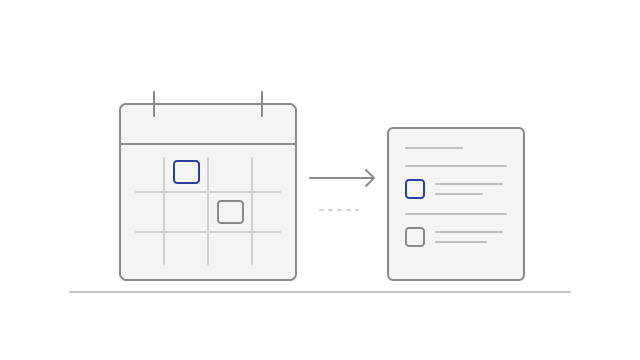
Calendar events appearing in a meeting list
  • improvedSee connected calendars in one placecalendar
  • improvedAccount for the delay before audio is heardplayback
  • addedChoose whether to record a detected meetingdesktop