Meetso

Changelog

What’s new in Meetso.

Dates describe development history and do not verify when changes became available.

Development history

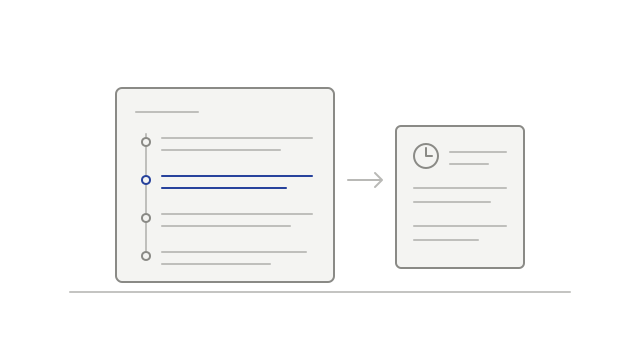
Follow the conversation beyond the recording

Captured chat gained its own tab, downloads kept the meeting page open, and team cards gained clearer member details.
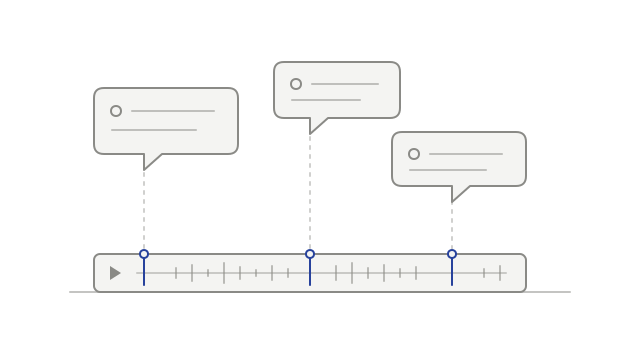
Chat messages linked to moments in a recording
  • addedRead the chat beside the recordingmeeting-chat
  • improvedKeep the meeting open when downloadingdownloads
  • addedSee useful details about a teammateteam-management
Development history

Manage recording recovery and integration access

Extension-assisted desktop call detection, integration labels and MCP media access arrived alongside recording recovery and fixes for uploads, analytics and translations.

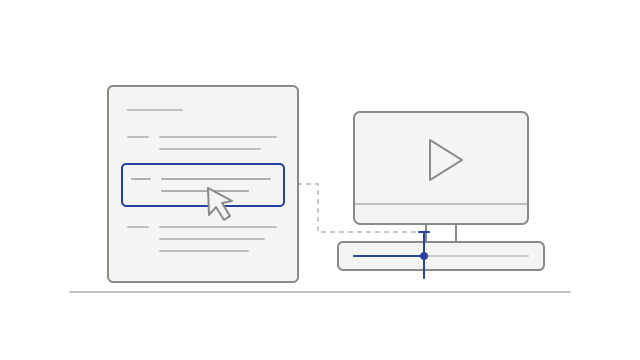
Desktop recording preferences with one call source enabled
  • improvedUse the extension to detect Meet calls for desktop recordingdesktop-recording
  • addedChoose Live or Test integration labelsintegrations
  • addedAccess recording media through MCPintegrations
  • fixedKeep usable audio when the main recording is unavailablerecordings
  • addedRetry a supported local savedesktop-recording
  • fixedShow a retryable failure for stalled uploadsdesktop-recording
  • fixedCount transcribed hours by meetinganalytics
  • fixedReduce missing or misplaced translated texttranscripts
Development history

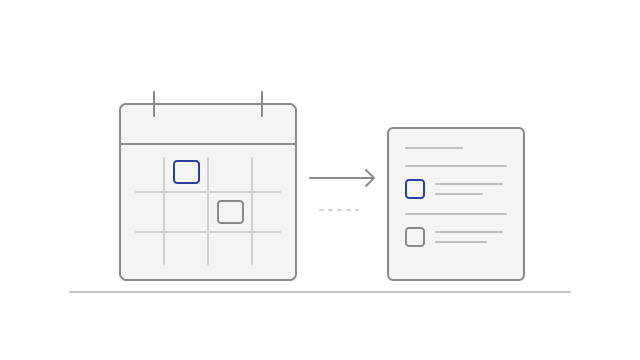
Browse meetings by calendar and reorganized settings

Calendar browsing, sidebar settings navigation and webhook delivery history arrived alongside clearer upload outcomes and reorganized policy information.

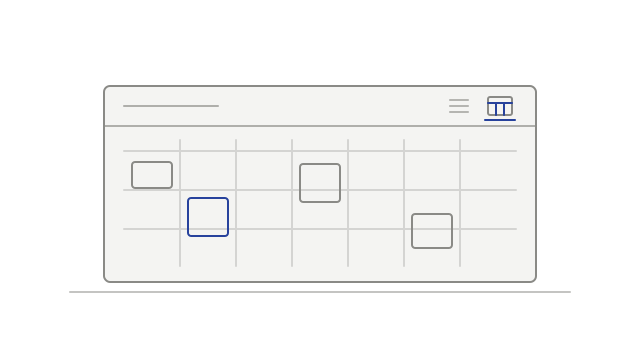
Meetings arranged by week on a calendar
  • addedBrowse meetings in Calendar or Listcalendar
  • improvedFind settings in the sidebarsettings
  • addedReview webhook delivery historyintegrations
  • fixedSee when an upload was interrupteduploads
  • improvedFind policy information in clearer sectionsprivacy
Development history

Review workspace events and clearer upload failures

Workspace audit browsing arrived alongside a specific no-audio upload message, calendar-sync fixes and more resilient playback-data loading.

A workspace activity entry beside its details
  • addedBrowse workspace audit historyaudit-log
  • fixedKnow when an uploaded file has no audio trackuploads
  • fixedKeep calendar sync working for the same workspace eventcalendar
  • fixedRecover from temporary playback loading errorsplayback
Development history

Find settings and account context more easily

Settings gained clearer navigation, voice-reference status, workspace usage information and a separate list of connected apps.

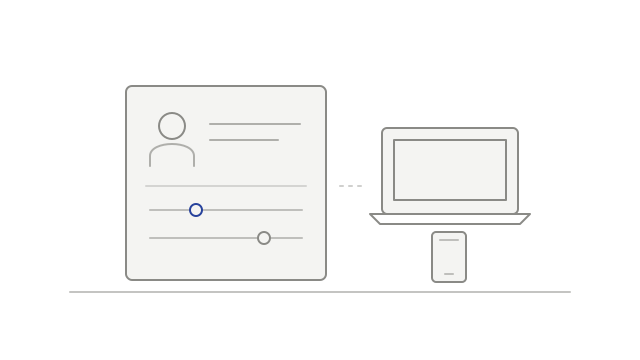
Account controls beside a laptop and phone
  • improvedNavigate settings by tab and sectionsettings
  • addedSee when a voice reference needs attentionvoice-identification
  • addedReview recorded and transcribed hourssettings
  • addedReview connected apps separately from desktop devicesintegrations
Development history

Read long transcripts and play camera-off Meet recordings

Connector transcript paging and camera-off Meet playback improved, alongside fixes for voice-reference uploads and connector re-authorization.

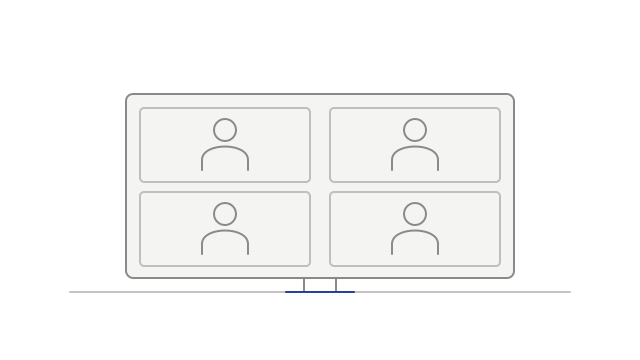
Participant tiles fitted closely within a recording frame
  • fixedRestore voice-reference clip uploadsspeaker-identification
  • addedPlay camera-off Meet recordings with participant tilesplayback
  • fixedReconnect connectors after supported permissions changeintegrations
  • improvedRead long transcripts in smaller pagesintegrations
Development history

Connect project context and upload recordings

Project-aware connector tools, transcript-backed intelligence, browser uploads and a voice-identification choice expanded the workspace.

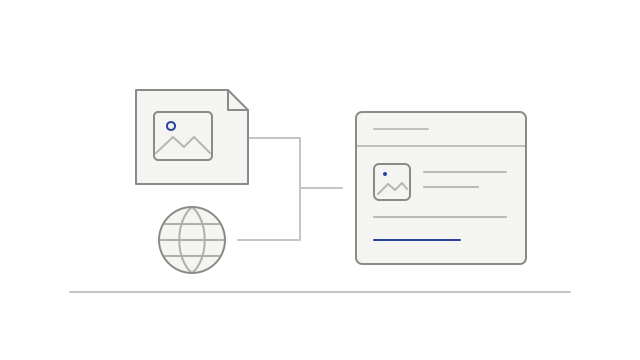
Meeting records grouped in one project folder
  • addedRead projects and correct meeting links through MCPintegrations
  • addedRead intelligence with supporting transcript passagesintegrations
  • addedRead project updates from a saved pointintegrations
  • addedNotify a configured GitHub repositoryintegrations
  • addedUpload a recording in the browserrecordings
  • addedChoose whether to use voice identificationspeaker-identification
Development history

Filter meetings and read recaps through AI connectors

AI connectors gained meeting-list filters and access to existing recaps. A speaker-naming fix helped keep distinct voices separate.

A connector reading an existing meeting recap
  • addedFilter a connector’s meeting listintegrations
  • addedAsk for an existing meeting recapintegrations
  • fixedKeep distinct unnamed sources separatespeaker-identification