Meetso

Changelog

What’s new in Meetso.

Dates describe development history and do not verify when changes became available.

Development history

Schedule notetakers and browse team settings more clearly

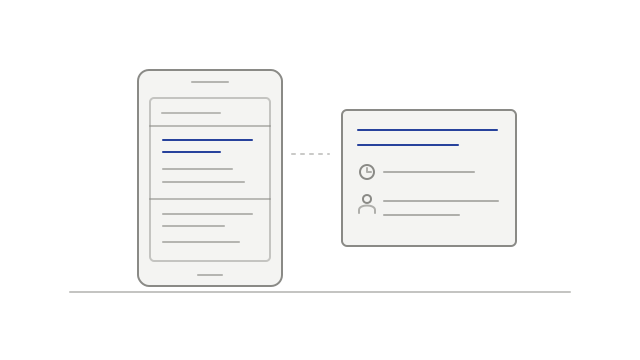
Send notetaker gained a clearer form, missing pages gained navigation choices, and Team settings gained a searchable roster and person card.
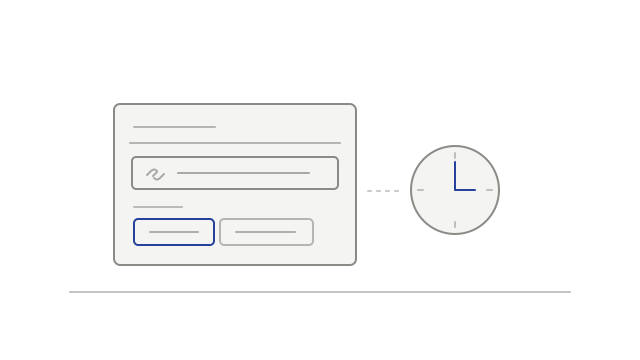
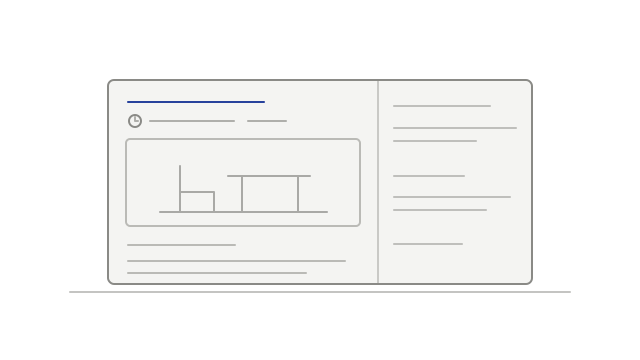
A meeting link and two timing choices beside a clock
  • improvedUse a clearer notetaker scheduling formnotetaker
  • improvedFind a way back from a missing pagenavigation
  • improvedBrowse a searchable team roster and person cardteam-management
Development history

Review refreshed analytics and recording details

Analytics gained clearer chart choices, background playback moved into Preferences, and participant details received focused corrections.

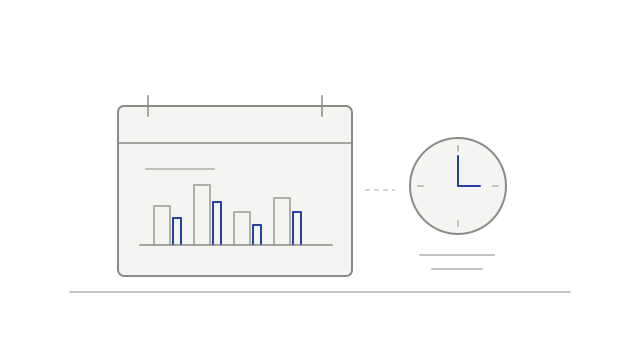
Meeting activity bars beside a clock
  • improvedChoose Hours or Meetings in analyticsanalytics
  • improvedFind background playback in Preferencessettings
  • fixedClose open participant entries at recording endrecordings
  • fixedClean up repeated roster display namesmeeting-details
Development history

Prepare for meetings from your home page

Coming up context and a weekly overview joined playback preferences, screen-share selection and profile pictures in recordings.

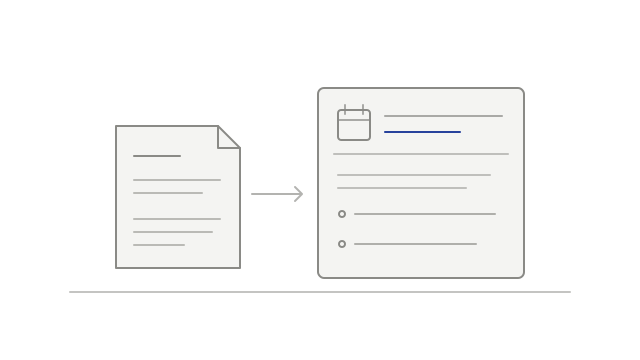
Notes from a previous meeting beside an upcoming meeting card
  • addedReview previous context before an upcoming meetingdashboard
  • addedSee recorded and planned meetings in Your weekdashboard
  • addedKeep recording audio playing when switching tabsplayback
  • addedChoose the main screen shareplayback
  • improvedSee profile pictures during playbackplayback
Development history

Search in one list and control transcript following

Global search gained a unified result list, the speaker timeline gained a draggable playhead, and transcript following became an explicit choice.

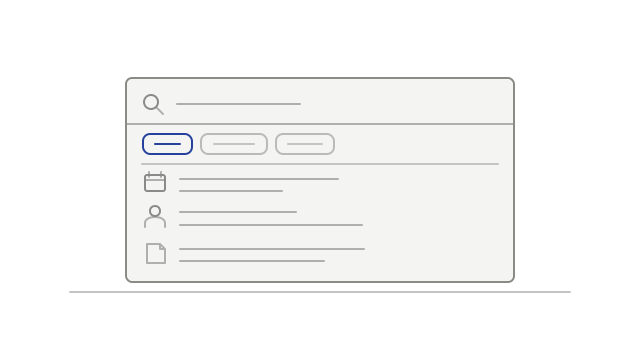
One search list with category filters and results for meetings, people, and transcripts
  • improvedSearch one ranked result listsearch
  • addedDrag to a new playback positionplayback
  • improvedChoose when the transcript follows playbacktranscripts
Development history

Explore meetings by date and speaker

The library gained date navigation and platform filters, while speaker lanes, clearer failure guidance and notification counts made meeting activity easier to follow.

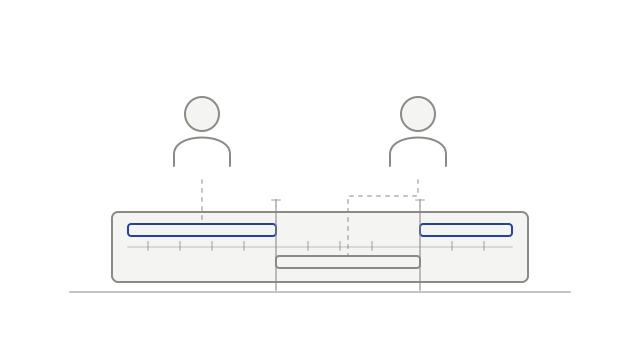
Two speakers connected to their timed segments in a recording
  • addedBrowse meetings by datemeeting-library
  • addedExplore a lane for each speakerplayback
  • improvedFilter meetings by platform and transcript statusmeeting-library
  • improvedUnderstand why a notetaker could not recordnotifications
  • fixedKeep assigned names in exports and connected toolstranscripts
  • improvedCount updates you have not seennotifications
Development history

Browse meetings by calendar and reorganized settings

Calendar browsing, sidebar settings navigation and webhook delivery history arrived alongside clearer upload outcomes and reorganized policy information.

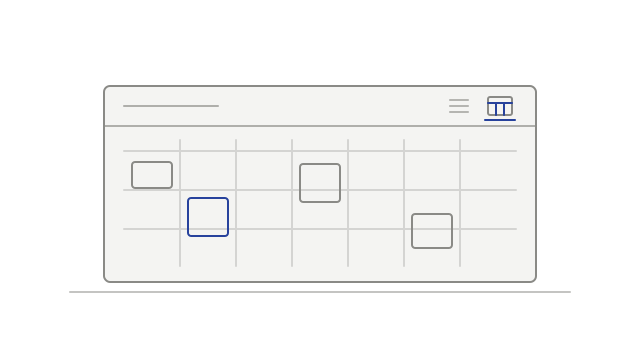
Meetings arranged by week on a calendar
  • addedBrowse meetings in Calendar or Listcalendar
  • improvedFind settings in the sidebarsettings
  • addedReview webhook delivery historyintegrations
  • fixedSee when an upload was interrupteduploads
  • improvedFind policy information in clearer sectionsprivacy
Development history

Choose transcript language and keep recordings usable

Workspace language choices arrived alongside playback, upload and transcript fixes, remembered sidebar controls and clearer expired-camera messaging.

A workspace language choice beside a transcript
  • addedChoose the workspace transcript languagetranscripts
  • fixedRecover from an expired playback linkplayback
  • fixedContinue an upload after its link expiresuploads
  • improvedImprove multi-track playback loadingplayback
  • fixedKeep more transcribed speechtranscripts
  • fixedShow cameras for participants who did not speakrecordings
  • improvedRemember how you use the sidebarnavigation
  • improvedExplain when camera video has expiredplayback
Development history

Find settings and account context more easily

Settings gained clearer navigation, voice-reference status, workspace usage information and a separate list of connected apps.

Account controls beside a laptop and phone
  • improvedNavigate settings by tab and sectionsettings
  • addedSee when a voice reference needs attentionvoice-identification
  • addedReview recorded and transcribed hourssettings
  • addedReview connected apps separately from desktop devicesintegrations