Meetso

Changelog

What’s new in Meetso.

Dates describe development history and do not verify when changes became available.

Development history

Follow meeting updates and browse your library

A meeting inbox and weekly digest content brought updates together, while the library gained list and grid browsing and playback gained keyboard controls.
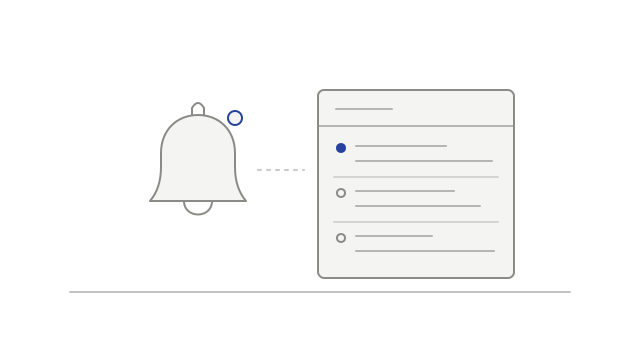
A notification bell beside a list of meeting updates
  • addedRead meeting updates in an inboxnotifications
  • addedBring weekly meeting updates togethernotifications
  • improvedBrowse meetings as a list or gridmeeting-library
  • improvedUse larger keyboard jumps and a transcript shortcutplayback
Development history

A clearer meeting workspace

The meeting page gained a refreshed layout, alongside fixes for unavailable video tracks and misleading transcript timestamps.

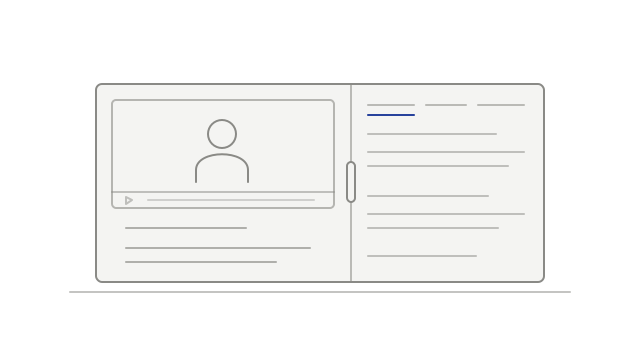
A recording and its meeting details in side-by-side panes
  • improvedKeep the recording and meeting details togethermeeting-library
  • fixedKeep one unavailable video track from blocking playbackplayback
  • fixedKeep transcript passages from spanning a silent gaptranscripts
Development history

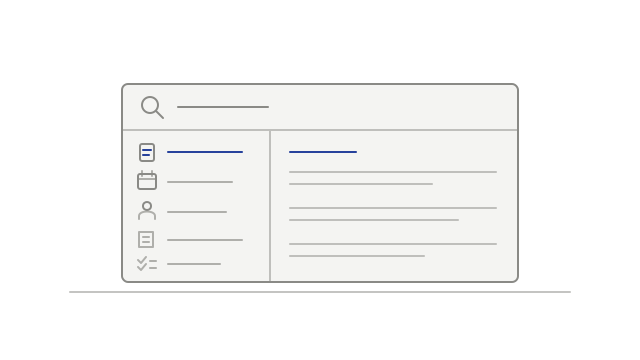
Search across workspace sections

Search gained separate result sections, while recording layouts kept participant positions steadier across short camera transitions.

Workspace search results organized by category
  • addedChoose a workspace search sectionsearch
  • fixedKeep participant positions steadierplayback
Development history

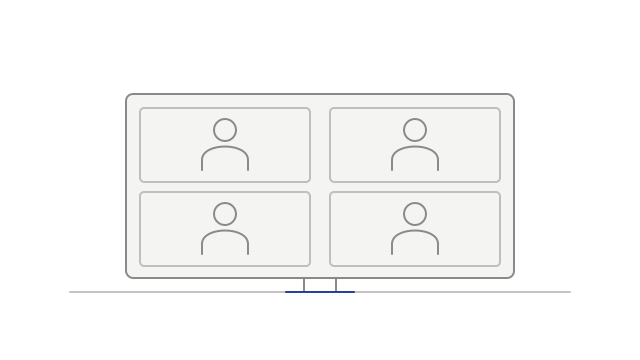
Keep active audio work and participants in view

Audio processing gained more time to finish, compact layouts prioritized recent speakers, and Teams camera-off participants regained avatar fallback.

Participant tiles fitted closely within a recording frame
  • fixedGive audio processing more time to finishtranscription
  • improvedPrioritize recent speakers in compact layoutsplayback
  • fixedKeep a Teams avatar after the camera turns offplayback
Development history

See participant controls and connector permissions

Recording tiles gained names and pin controls, seeks gained a loading indicator, and connectors gained a readable permission screen.

Participant tiles fitted closely within a recording frame
  • fixedReduce repeated macOS keychain requestsdesktop
  • improvedFilter recognized notetaker streams from Meet uploadsrecordings
  • improvedSee when a seek is still loadingplayback
  • addedUse participant controls on recording tilesplayback
  • addedReview a connector’s requested permissionsintegrations
Development history

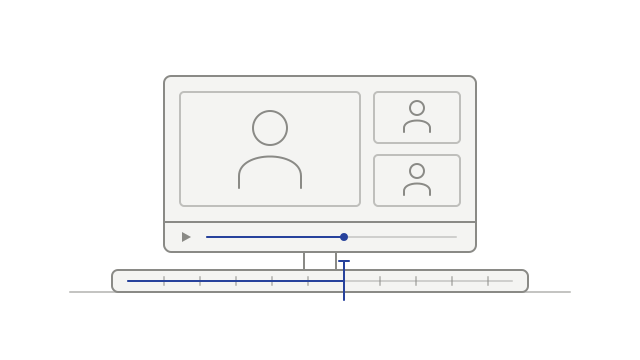
Choose how to watch a meeting recording

Flexible recording layouts arrived alongside connected-account controls and clearer workspace Intelligence access messages.

A recording and its continuous playback timeline
  • improvedUnderstand workspace Intelligence accessmeeting-intelligence
  • addedManage linked accounts and calendar sync togethercalendar
  • addedChoose a recording layoutplayback
  • addedReview connected desktop appsaccount
  • improvedContinue transcription after an audio problemtranscription