Meetso

Changelog

What’s new in Meetso.

Dates describe development history and do not verify when changes became available.

Development history

Explore meetings by date and speaker

The library gained date navigation and platform filters, while speaker lanes, clearer failure guidance and notification counts made meeting activity easier to follow.
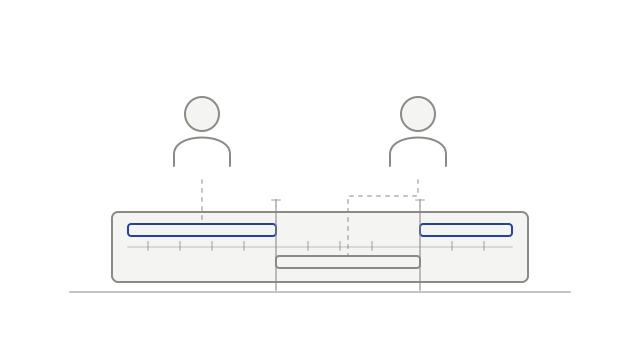
Two speakers connected to their timed segments in a recording
  • addedBrowse meetings by datemeeting-library
  • addedExplore a lane for each speakerplayback
  • improvedFilter meetings by platform and transcript statusmeeting-library
  • improvedUnderstand why a notetaker could not recordnotifications
  • fixedKeep assigned names in exports and connected toolstranscripts
  • improvedCount updates you have not seennotifications
Development history

Open more workspace views on desktop

Desktop gained company intelligence and analytics views, improved interrupted-upload handling and browser actions for supported account settings.

Meeting activity bars beside a clock
  • addedUse intelligence and analytics on desktopdesktop
  • fixedHandle uncertain desktop upload outcomesdesktop-recording
  • addedManage supported account settings in the browsersettings
Development history

Manage desktop recordings with clearer context

Desktop recording status and local-file controls became clearer, while screen-share assembly and partly translated transcripts received fixes.

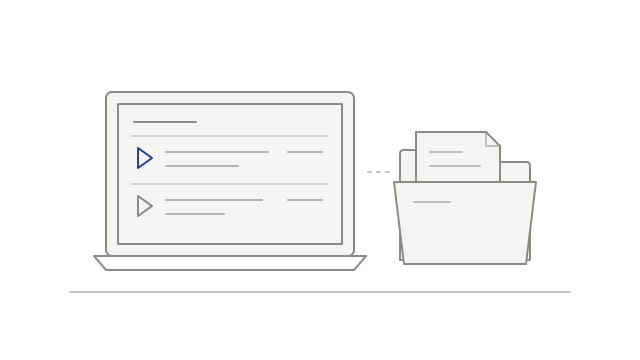
A desktop recording list beside a folder of saved files
  • improvedUnderstand local-only and automatic uploadsdesktop-recording
  • addedManage local recordings beside the meeting librarydesktop-recording
  • fixedKeep assembling a recording when the screen share resizesrecordings
  • fixedKeep usable text when some passages do not translatetranscripts
Development history

Choose automatic desktop recording

The desktop app gained opt-in recording for supported calls, alongside handling for empty attempts and a transcript-timing fix.

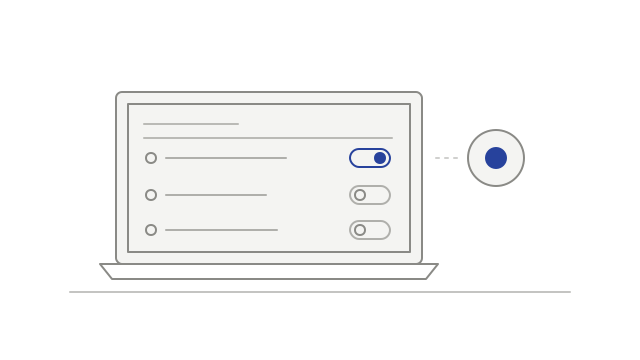
Desktop recording preferences with one call source enabled
  • addedOpt in to recording supported calls automaticallydesktop-recording
  • fixedAvoid keeping empty recording attemptsnotetaker
  • fixedKeep transcript timing aligned when audio has gapstranscripts
Development history

Browse meetings by calendar and reorganized settings

Calendar browsing, sidebar settings navigation and webhook delivery history arrived alongside clearer upload outcomes and reorganized policy information.

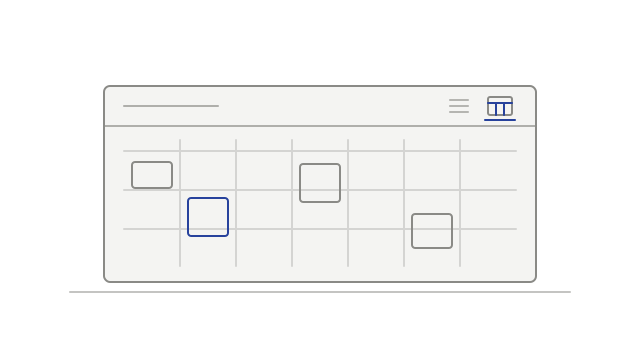
Meetings arranged by week on a calendar
  • addedBrowse meetings in Calendar or Listcalendar
  • improvedFind settings in the sidebarsettings
  • addedReview webhook delivery historyintegrations
  • fixedSee when an upload was interrupteduploads
  • improvedFind policy information in clearer sectionsprivacy
Development history

Review workspace events and clearer upload failures

Workspace audit browsing arrived alongside a specific no-audio upload message, calendar-sync fixes and more resilient playback-data loading.

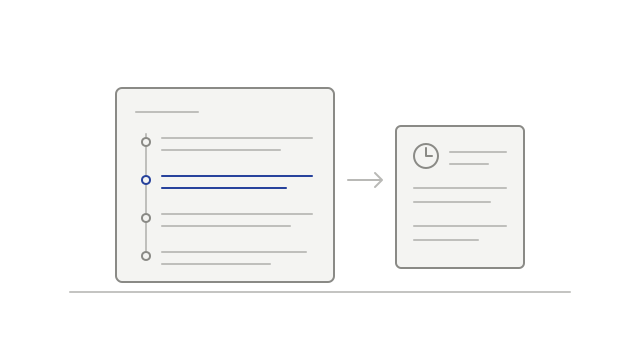
A workspace activity entry beside its details
  • addedBrowse workspace audit historyaudit-log
  • fixedKnow when an uploaded file has no audio trackuploads
  • fixedKeep calendar sync working for the same workspace eventcalendar
  • fixedRecover from temporary playback loading errorsplayback
Development history

Keep uploads running as you browse

Uploads could continue while navigating inside the app, with manual speaker naming and a compact view of current upload and meeting updates.

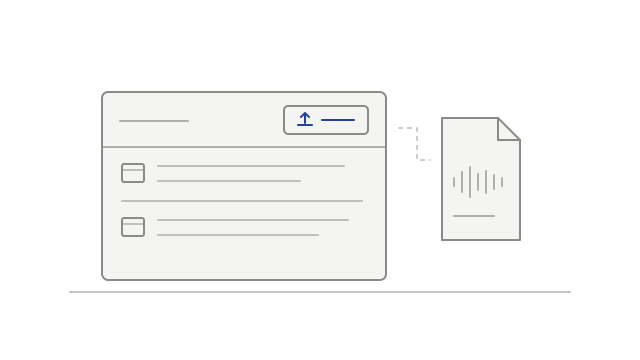
An upload action beside the meeting list and a recording file
  • improvedContinue uploading while moving around the appuploads
  • addedName speakers in an uploaded recordingtranscripts
  • addedSee current progress in the top barnotifications
Development history

Choose transcript language and keep recordings usable

Workspace language choices arrived alongside playback, upload and transcript fixes, remembered sidebar controls and clearer expired-camera messaging.

A workspace language choice beside a transcript
  • addedChoose the workspace transcript languagetranscripts
  • fixedRecover from an expired playback linkplayback
  • fixedContinue an upload after its link expiresuploads
  • improvedImprove multi-track playback loadingplayback
  • fixedKeep more transcribed speechtranscripts
  • fixedShow cameras for participants who did not speakrecordings
  • improvedRemember how you use the sidebarnavigation
  • improvedExplain when camera video has expiredplayback
Development history

Find settings and account context more easily

Settings gained clearer navigation, voice-reference status, workspace usage information and a separate list of connected apps.

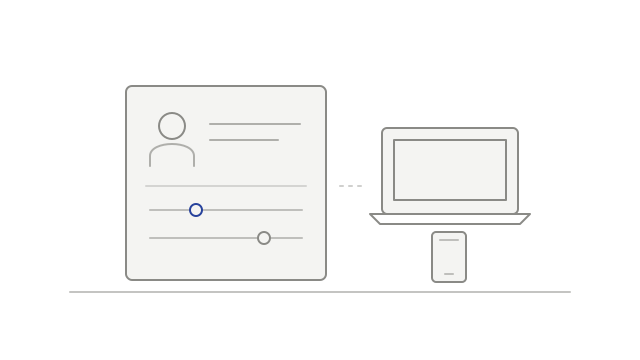
Account controls beside a laptop and phone
  • improvedNavigate settings by tab and sectionsettings
  • addedSee when a voice reference needs attentionvoice-identification
  • addedReview recorded and transcribed hourssettings
  • addedReview connected apps separately from desktop devicesintegrations
Development history

Read compact recap emails and in-app weekly digests

Recap emails gained shorter summaries and highlights, while weekly digest cards appeared in the inbox and individual recap notices left the feed.

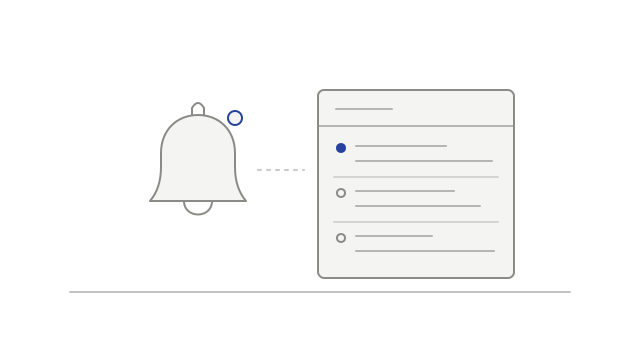
A notification bell beside a list of meeting updates
  • improvedRead a compact recap in emailnotifications
  • addedSee a weekly digest in your inboxnotifications
  • fixedJoin eligible Meet calls nearer the startnotetaker
  • improvedReduce repeated recap notices in the feednotifications
Development history

Follow meeting updates and browse your library

A meeting inbox and weekly digest content brought updates together, while the library gained list and grid browsing and playback gained keyboard controls.

A notification bell beside a list of meeting updates
  • addedRead meeting updates in an inboxnotifications
  • addedBring weekly meeting updates togethernotifications
  • improvedBrowse meetings as a list or gridmeeting-library
  • improvedUse larger keyboard jumps and a transcript shortcutplayback