Meetso

Changelog

What’s new in Meetso.

Dates describe development history and do not verify when changes became available.

Development history

Choose transcript language and keep recordings usable

Workspace language choices arrived alongside playback, upload and transcript fixes, remembered sidebar controls and clearer expired-camera messaging.
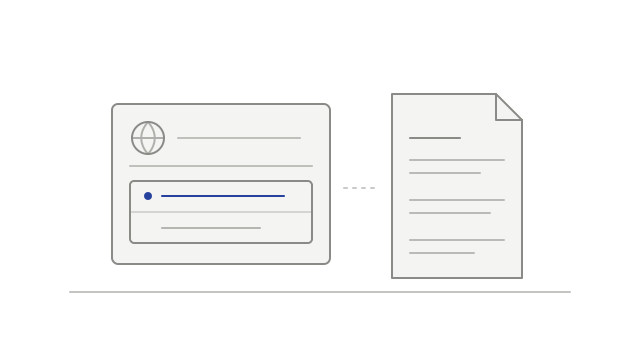
A workspace language choice beside a transcript
  • addedChoose the workspace transcript languagetranscripts
  • fixedRecover from an expired playback linkplayback
  • fixedContinue an upload after its link expiresuploads
  • improvedImprove multi-track playback loadingplayback
  • fixedKeep more transcribed speechtranscripts
  • fixedShow cameras for participants who did not speakrecordings
  • improvedRemember how you use the sidebarnavigation
  • improvedExplain when camera video has expiredplayback
Development history

Return to the current transcript passage

A floating Sync control made transcript following easier, meeting cards showed more company context, and library scope changes kept the list in view.

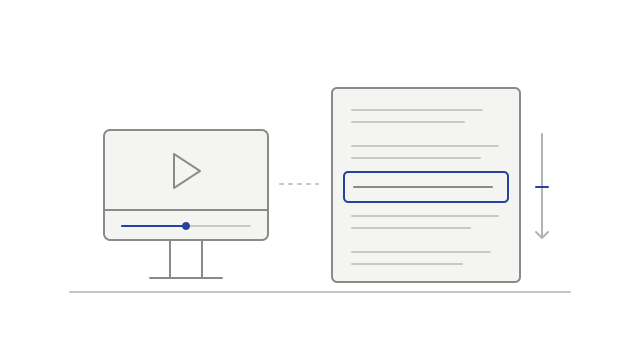
A transcript following the current playback passage
  • improvedReturn to the current passage with Synctranscripts
  • improvedSee more company context on meeting cardsmeeting-library
  • fixedKeep the meeting list visible while switching scopesmeeting-library
Development history

Find settings and account context more easily

Settings gained clearer navigation, voice-reference status, workspace usage information and a separate list of connected apps.

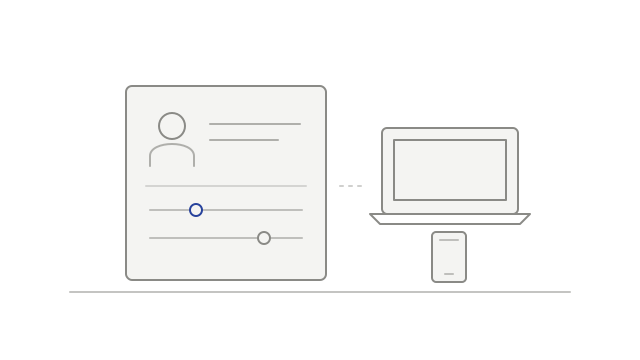
Account controls beside a laptop and phone
  • improvedNavigate settings by tab and sectionsettings
  • addedSee when a voice reference needs attentionvoice-identification
  • addedReview recorded and transcribed hourssettings
  • addedReview connected apps separately from desktop devicesintegrations
Development history

Read compact recap emails and in-app weekly digests

Recap emails gained shorter summaries and highlights, while weekly digest cards appeared in the inbox and individual recap notices left the feed.

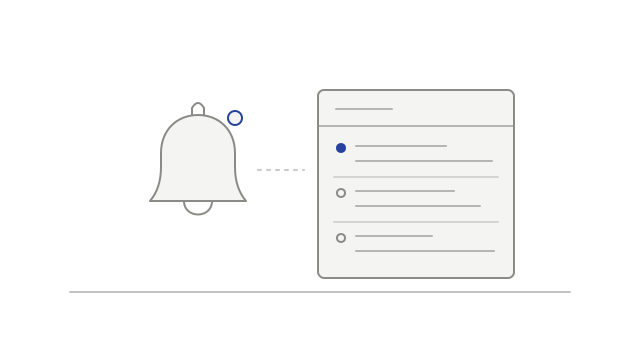
A notification bell beside a list of meeting updates
  • improvedRead a compact recap in emailnotifications
  • addedSee a weekly digest in your inboxnotifications
  • fixedJoin eligible Meet calls nearer the startnotetaker
  • improvedReduce repeated recap notices in the feednotifications
Development history

Follow meeting updates and browse your library

A meeting inbox and weekly digest content brought updates together, while the library gained list and grid browsing and playback gained keyboard controls.

A notification bell beside a list of meeting updates
  • addedRead meeting updates in an inboxnotifications
  • addedBring weekly meeting updates togethernotifications
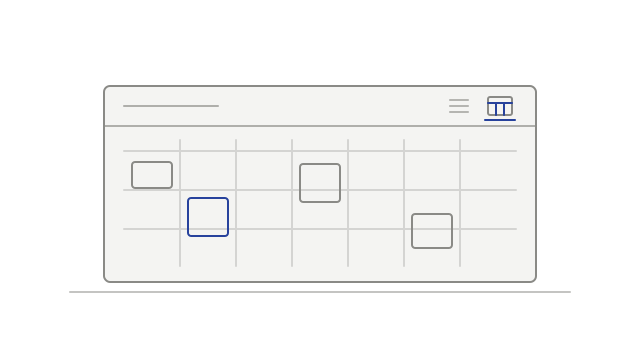
  • improvedBrowse meetings as a list or gridmeeting-library
  • improvedUse larger keyboard jumps and a transcript shortcutplayback
Development history

A clearer meeting workspace

The meeting page gained a refreshed layout, alongside fixes for unavailable video tracks and misleading transcript timestamps.

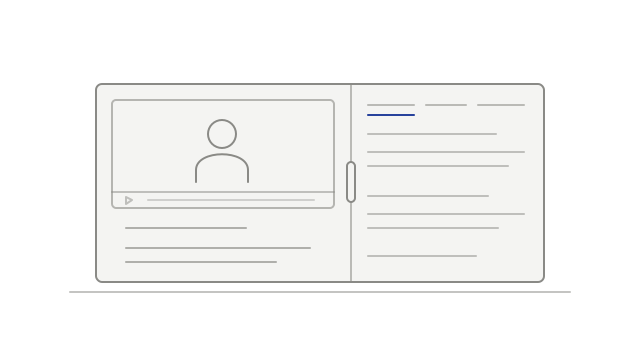
A recording and its meeting details in side-by-side panes
  • improvedKeep the recording and meeting details togethermeeting-library
  • fixedKeep one unavailable video track from blocking playbackplayback
  • fixedKeep transcript passages from spanning a silent gaptranscripts
Development history

Read long transcripts and play camera-off Meet recordings

Connector transcript paging and camera-off Meet playback improved, alongside fixes for voice-reference uploads and connector re-authorization.

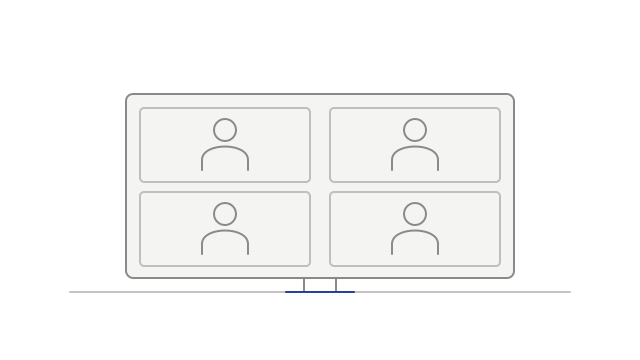
Participant tiles fitted closely within a recording frame
  • fixedRestore voice-reference clip uploadsspeaker-identification
  • addedPlay camera-off Meet recordings with participant tilesplayback
  • fixedReconnect connectors after supported permissions changeintegrations
  • improvedRead long transcripts in smaller pagesintegrations
Development history

Keep active audio work and participants in view

Audio processing gained more time to finish, compact layouts prioritized recent speakers, and Teams camera-off participants regained avatar fallback.

Participant tiles fitted closely within a recording frame
  • fixedGive audio processing more time to finishtranscription
  • improvedPrioritize recent speakers in compact layoutsplayback
  • fixedKeep a Teams avatar after the camera turns offplayback
Development history

Browse and play account meetings on desktop

A searchable desktop meeting library brought recaps, recordings and transcript navigation together, alongside sign-in and background-upload fixes.

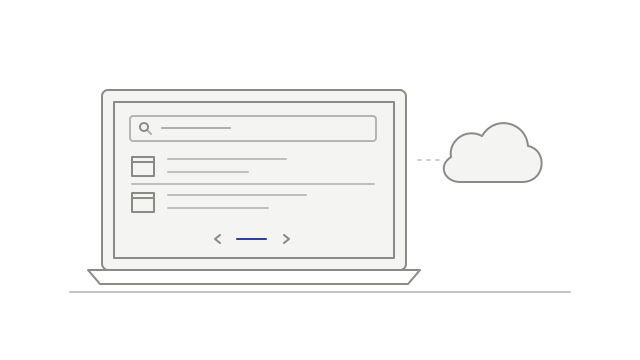
A searchable meeting library on a laptop connected to the cloud
  • addedBrowse your desktop meeting librarydesktop
  • addedRead and play a meeting on desktopdesktop
  • addedUse multi-track playback when supporteddesktop
  • fixedKeep browser sign-in usable for desktop servicesdesktop
  • improvedLimit repeated background upload failuresdesktop
Development history

Find teammates and keep notetaker timing with the meeting

Sharing search began filtering by name or email, while join timing, recording notices and retry counts followed the scheduled meeting more closely.

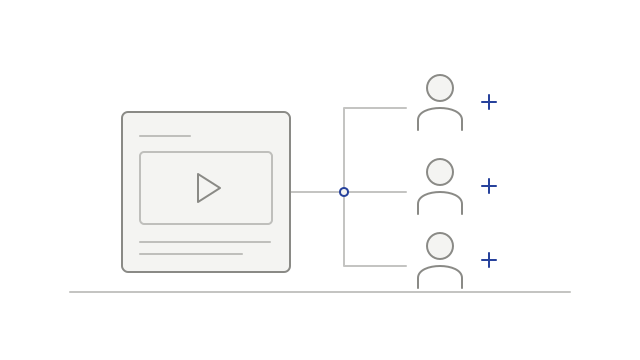
A meeting connected to several invited people
  • fixedSearch teammates when sharing a meetingsharing
  • improvedRequest Teams admission nearer the startnotetaker
  • improvedHold an early Meet recording notice until meeting timenotetaker
  • fixedKeep retry counts with the current meeting timenotetaker