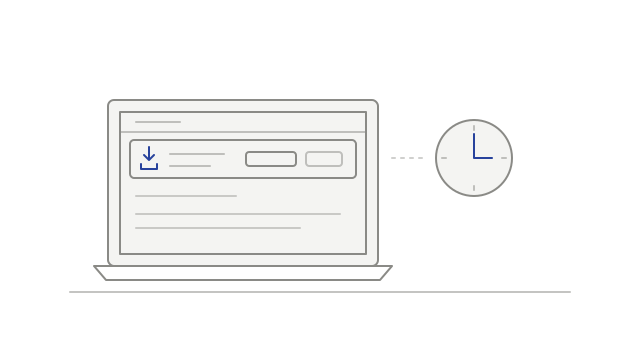
Development history
Keep a stale tile from interrupting playback
A problem with one participant tile could leave the rest of the recording playing.
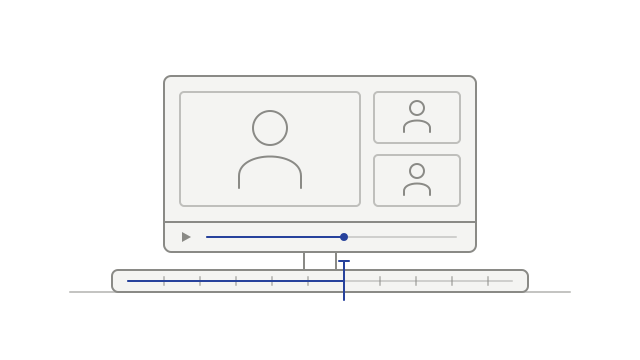
- fixedKeep the rest of the recording playingplayback
What’s new in Meetso.
Dates describe development history and do not verify when changes became available.
A problem with one participant tile could leave the rest of the recording playing.
Screen-share tiles gained presenter labels, and Meet participant tiles used recorded presence information more consistently.
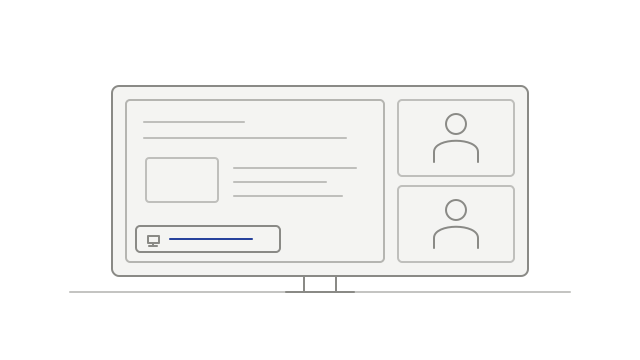
Transcript cleanup preserved more attributed short replies, room-exit handling waited for a real attendee, and hovered player controls stayed visible.
Recap generation gained more room to finish, and Zoom audio-join failures gained a more specific status.
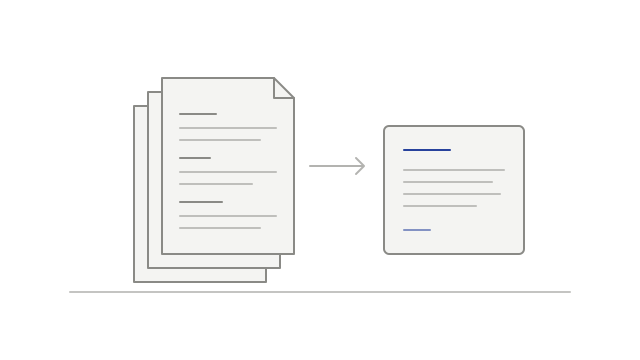
Joining a workspace could connect you to earlier calendar invitations, while speaking-time totals and person profiles gained more transcript evidence.
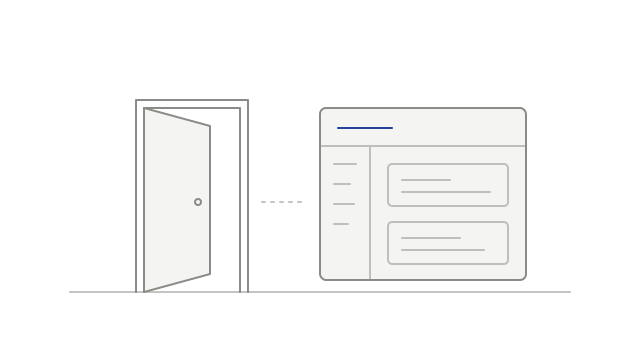
AI connectors gained meeting-list filters and access to existing recaps. A speaker-naming fix helped keep distinct voices separate.
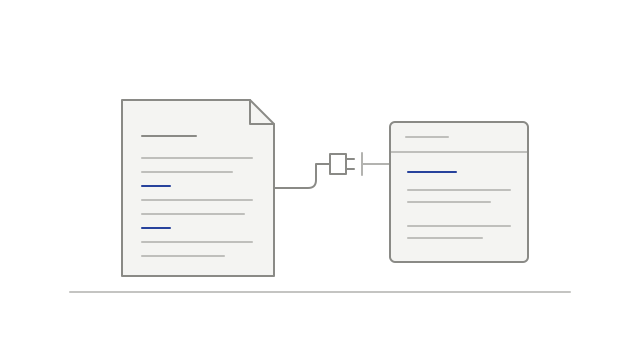
Recording tiles gained names and pin controls, seeks gained a loading indicator, and connectors gained a readable permission screen.
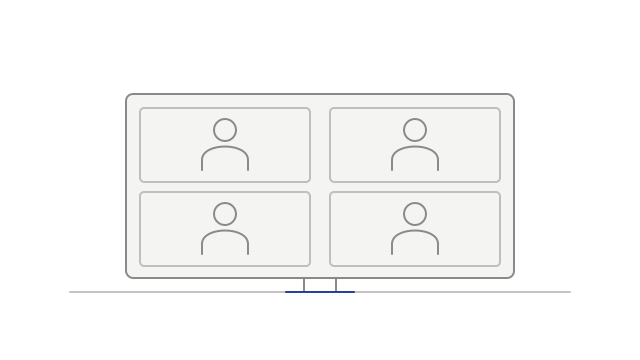
The desktop gained a manual diagnostic check and a sign-in refresh fix, alongside a change to Zoom recording audio timing.
Improved alignment between video and audio in eligible Google Meet recordings.
Teams uploads began omitting recognized notetaker video, and the player improved seeking in supported recordings.
The desktop gained local-only recording and retention choices, easier recording search, and an echo-cancellation fix for mismatched audio rates.
Desktop update controls made installation explicit, while quitting gained a best-effort step to finish an active local recording.