Meetso

Changelog

What’s new in Meetso.

Dates describe development history and do not verify when changes became available.

Development history

Manage calendars and respond to detected meetings

Connected calendars moved into one view, the desktop gained a recording prompt, and playback began accounting for audio-output delay.
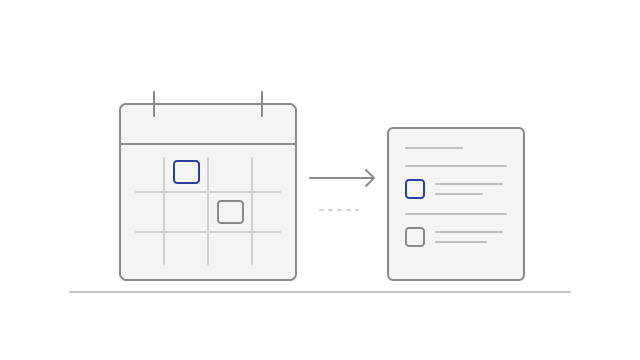
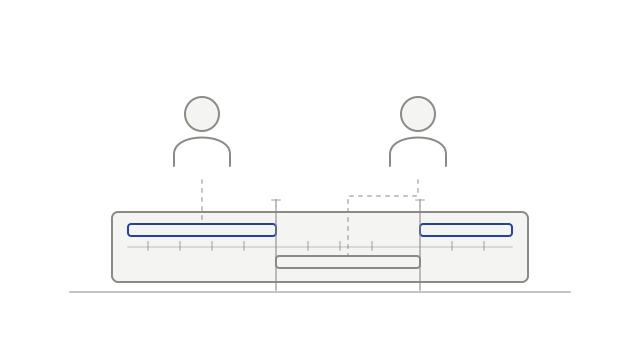
Calendar events appearing in a meeting list
  • improvedSee connected calendars in one placecalendar
  • improvedAccount for the delay before audio is heardplayback
  • addedChoose whether to record a detected meetingdesktop
Development history

Keep playback focused on the meeting

Playback gained a bounded meeting-content range, a reload action for expired links and more selective filtering of duplicate video tiles.

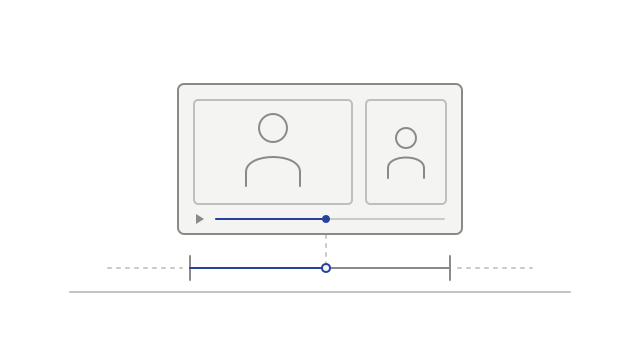
A recording player with the start and end of its playback range marked
  • improvedPlay within the saved meeting rangeplayback
  • addedReload an expired recording sessionplayback
  • fixedAvoid duplicate participant tilesplayback
Development history

Choose how to watch a meeting recording

Flexible recording layouts arrived alongside connected-account controls and clearer workspace Intelligence access messages.

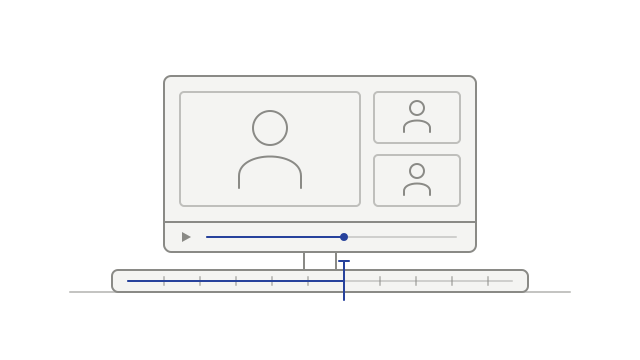
A recording and its continuous playback timeline
  • improvedUnderstand workspace Intelligence accessmeeting-intelligence
  • addedManage linked accounts and calendar sync togethercalendar
  • addedChoose a recording layoutplayback
  • addedReview connected desktop appsaccount
  • improvedContinue transcription after an audio problemtranscription
Development history

Sign in and upload desktop recordings

Browser sign-in and audio uploads connected the desktop recorder to transcription, with a clearer explanation of recordings kept on the device.

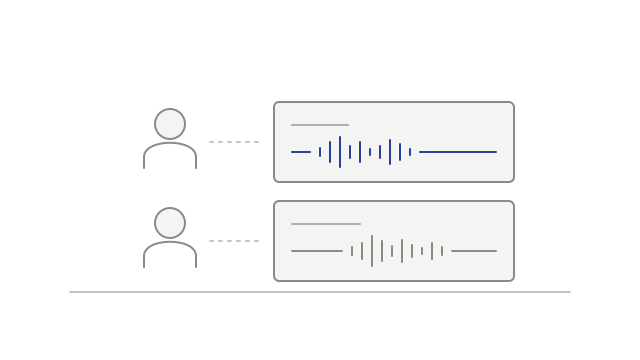
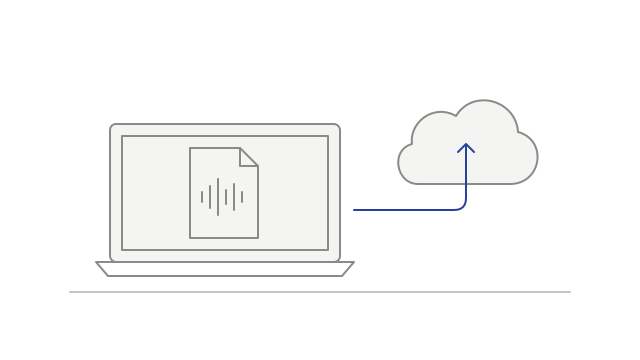
A recording file being uploaded from a desktop computer
  • addedSign in using your browserdesktop
  • addedSend desktop audio for processingdesktop
  • addedUnderstand when a recording stays localdesktop