Meetso

Changelog

What’s new in Meetso.

Dates describe development history and do not verify when changes became available.

Development history

Choose what happens to local recordings

The desktop gained local-only recording and retention choices, easier recording search, and an echo-cancellation fix for mismatched audio rates.
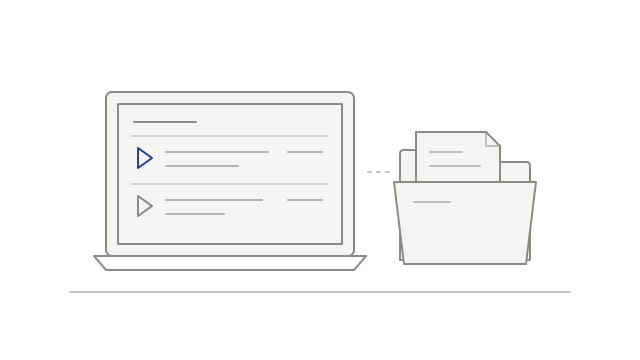
A desktop recording list beside a folder of saved files
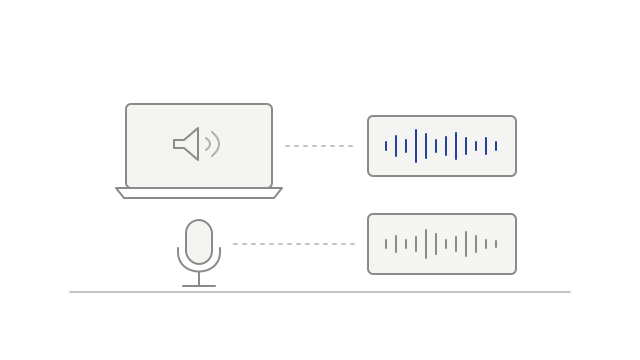
  • fixedHandle different microphone and system-audio ratesdesktop
  • addedMake new recordings local-onlydesktop
  • addedFind a local recording more easilydesktop
  • addedChoose a local retention policydesktop
Development history

Choose when to install a desktop update

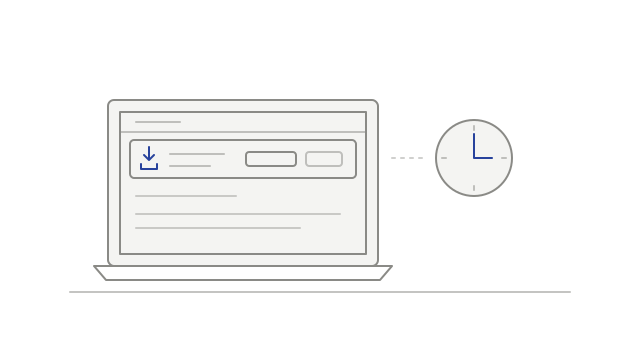
Desktop update controls made installation explicit, while quitting gained a best-effort step to finish an active local recording.

A desktop update notice beside a clock
  • addedInstall an available update when readydesktop
  • improvedTry to finish an active recording before quittingdesktop
Development history

Manage calendars and respond to detected meetings

Connected calendars moved into one view, the desktop gained a recording prompt, and playback began accounting for audio-output delay.

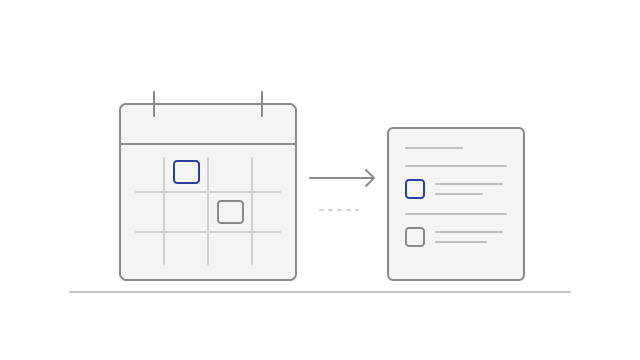
Calendar events appearing in a meeting list
  • improvedSee connected calendars in one placecalendar
  • improvedAccount for the delay before audio is heardplayback
  • addedChoose whether to record a detected meetingdesktop
Development history

Keep playback focused on the meeting

Playback gained a bounded meeting-content range, a reload action for expired links and more selective filtering of duplicate video tiles.

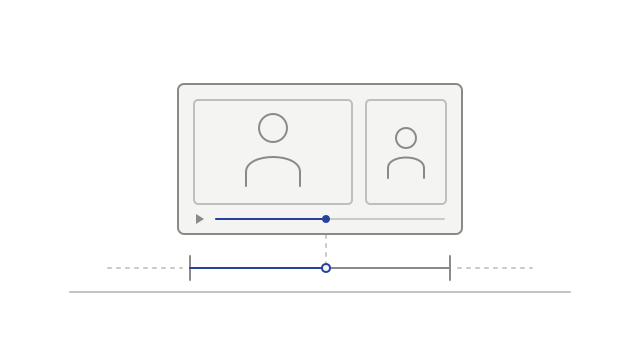
A recording player with the start and end of its playback range marked
  • improvedPlay within the saved meeting rangeplayback
  • addedReload an expired recording sessionplayback
  • fixedAvoid duplicate participant tilesplayback
Development history

Choose how to watch a meeting recording

Flexible recording layouts arrived alongside connected-account controls and clearer workspace Intelligence access messages.

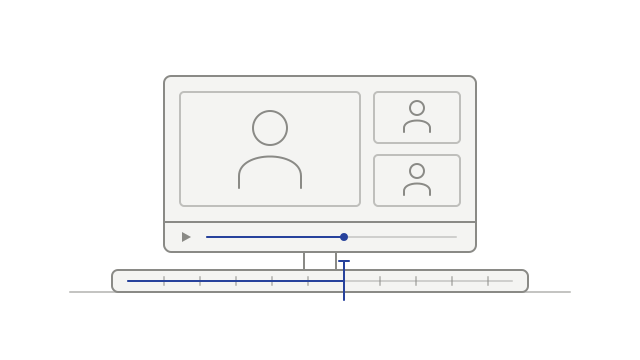
A recording and its continuous playback timeline
  • improvedUnderstand workspace Intelligence accessmeeting-intelligence
  • addedManage linked accounts and calendar sync togethercalendar
  • addedChoose a recording layoutplayback
  • addedReview connected desktop appsaccount
  • improvedContinue transcription after an audio problemtranscription
Development history

Sign in and upload desktop recordings

Browser sign-in and audio uploads connected the desktop recorder to transcription, with a clearer explanation of recordings kept on the device.

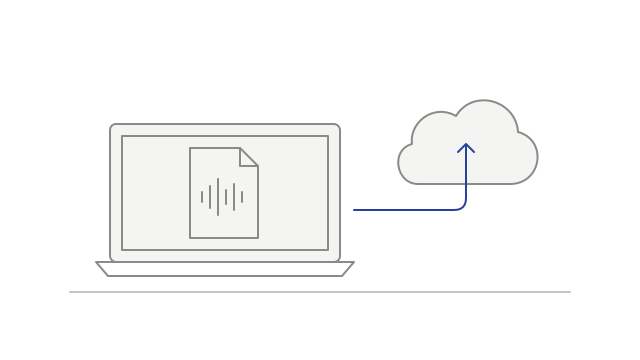
A recording file being uploaded from a desktop computer
  • addedSign in using your browserdesktop
  • addedSend desktop audio for processingdesktop
  • addedUnderstand when a recording stays localdesktop